SSH for Android,
built around tmux.
SSH and mosh terminal with real tmux control, SFTP, port forwards and a key vault. Hush treats tmux as part of the client rather than something you type at, keeps sessions alive across sleep and network changes, and holds your keys in a vault Android's keystore guards.
no account · no telemetry · no ads · Android 8.0+
>On the phone
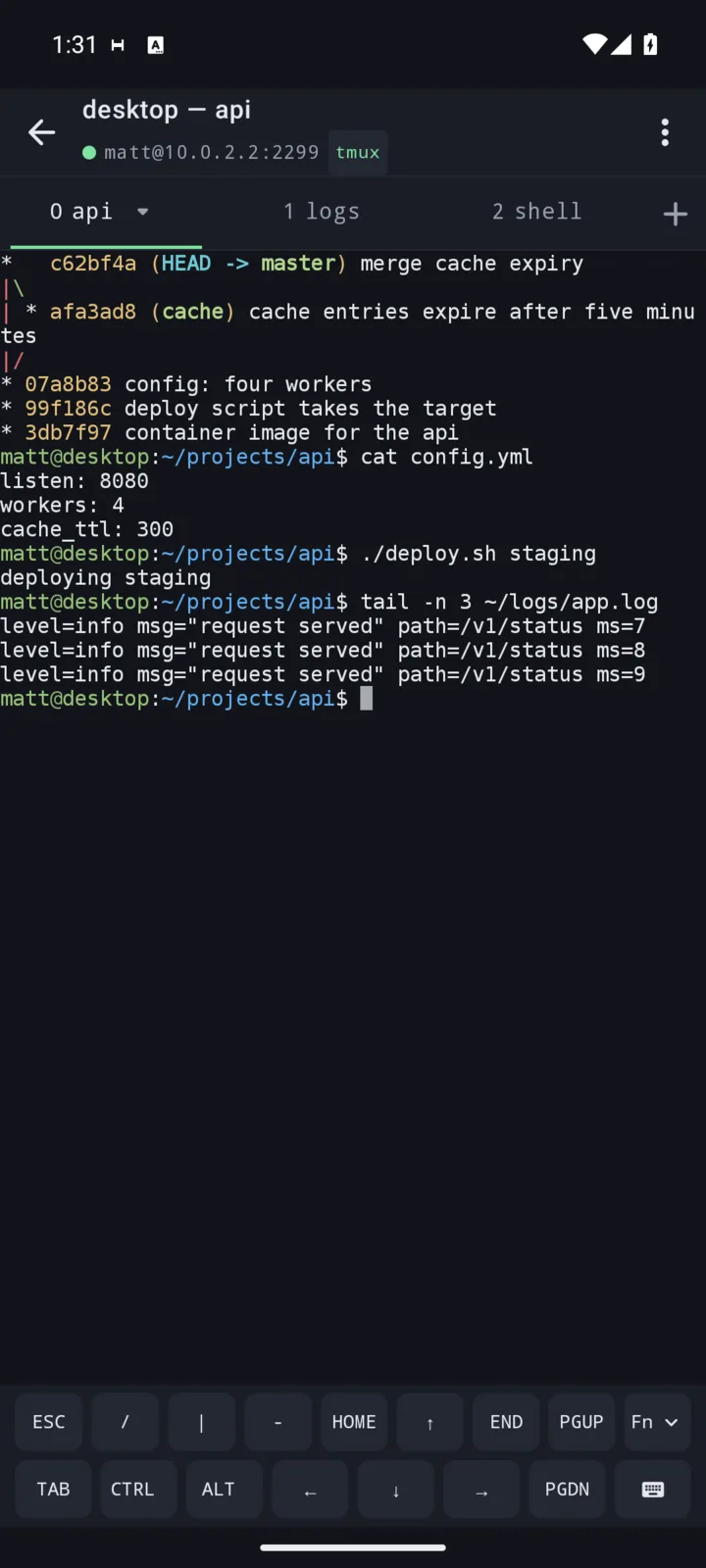
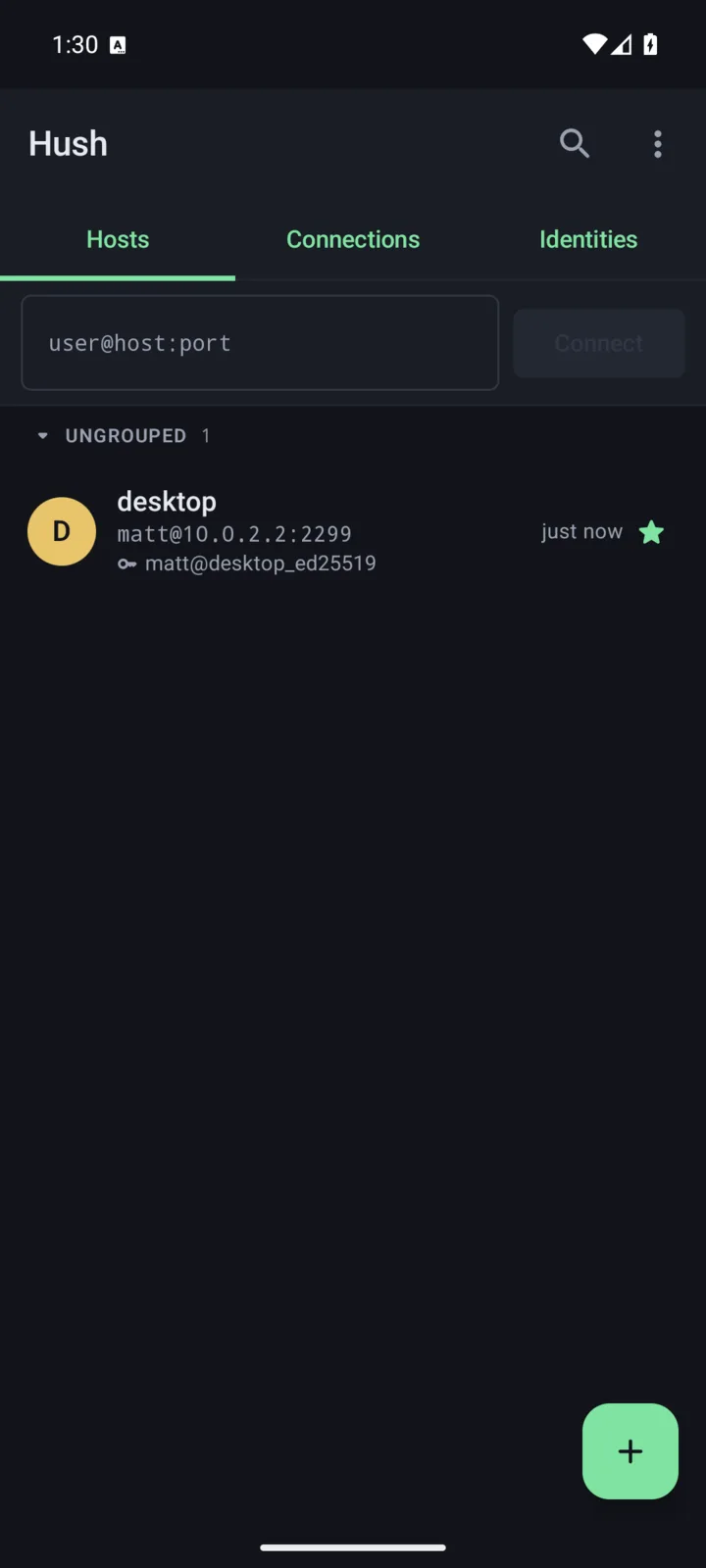
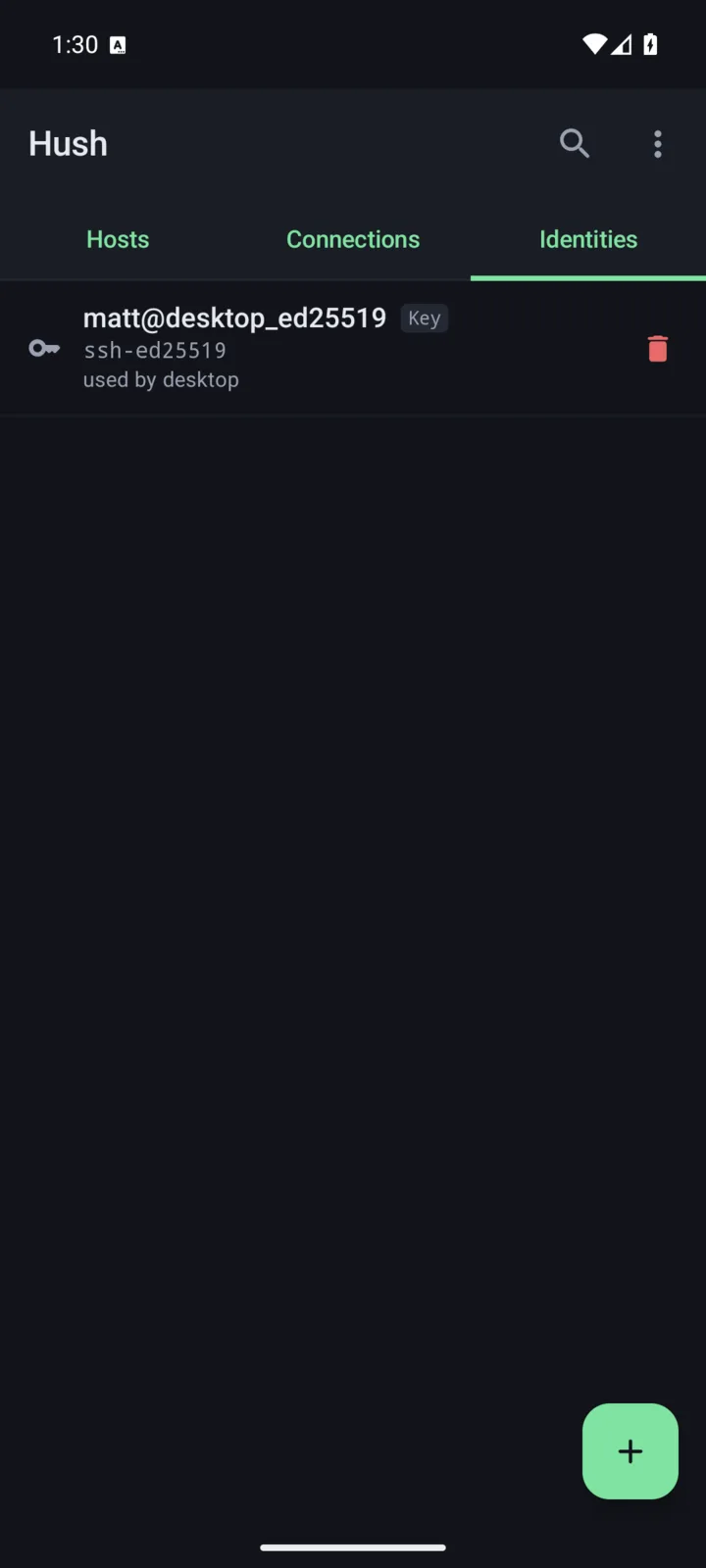
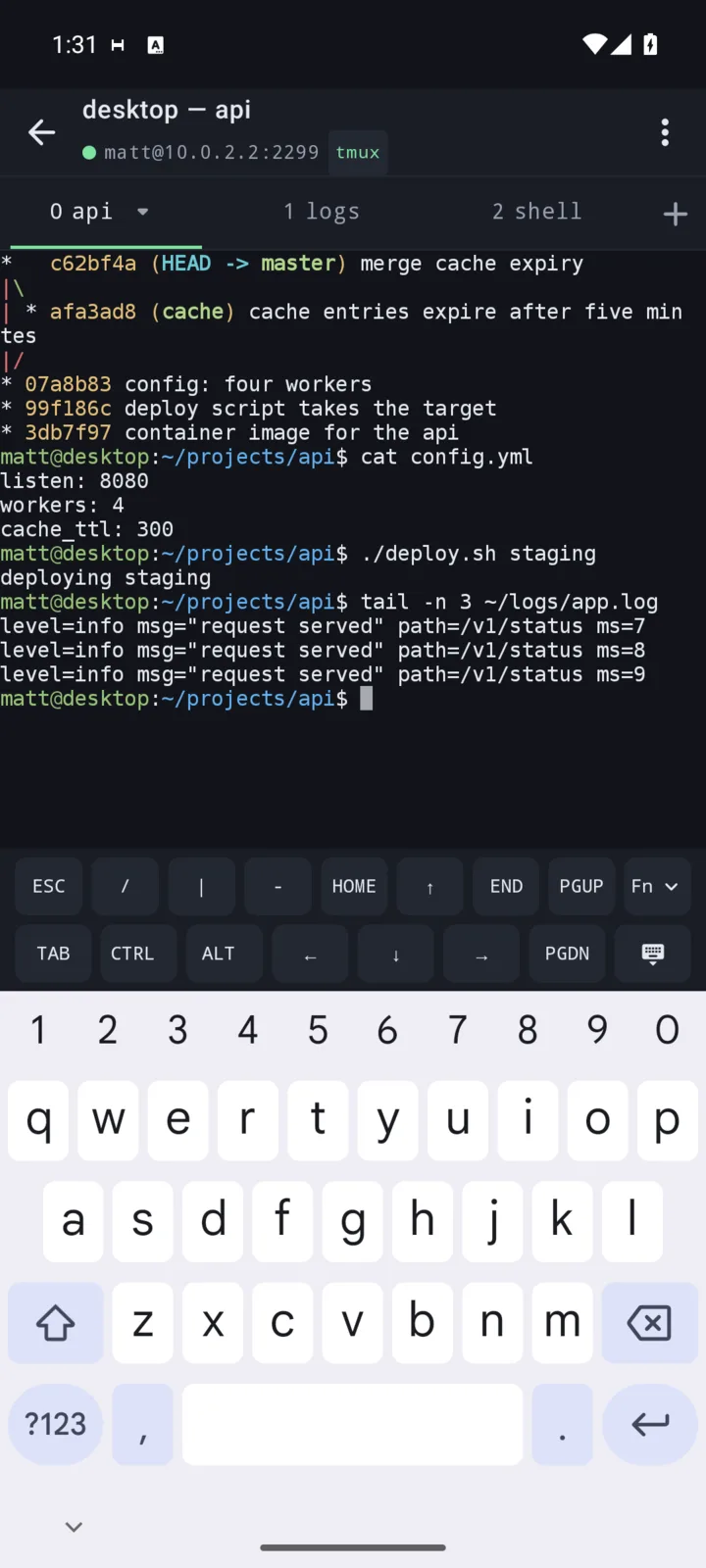
Hosts, identities and a live session - the key bars sit above the keyboard so the keys a terminal needs are where your thumbs already are.
>What it does
The short version: everything a terminal on a phone needs in order to be worth opening twice.
tmux and screen // first-class
- Control mode (
tmux -C) where the server supports it, prefix keys where it does not, decided per host with automatic fallback. - Hush attaches the host's named session on connect, so there is no snippet to write.
- Swipe left and right for windows, two fingers for panes.
- GNU screen instead of tmux, per host, with its own attach modes.
Sessions that survive // mosh
- Mosh, per host: a session lives through sleep, roaming and a change of address. Clean-room Kotlin, AES-128-OCB, no native code.
- A dropped SSH transport comes back as the same session, same terminal and scrollback, instead of a second one beside it.
- Switching VPN or Wi-Fi is a transition, not a failure.
- A foreground service holds sessions and tunnels while you are in other apps.
Keys, and what guards them // vault
- Ed25519 and RSA keys, generated on device or imported. The private half lives in an AndroidKeyStore-wrapped vault with no way out.
- OpenSSH certificates, with key ID, principals, validity and CA fingerprint read back out of the certificate.
- Chained jump hosts, each hop verified against its own host key.
- Optional app lock: fingerprint, face or PIN before anything is drawn.
- A per-host legacy algorithms switch for kit that speaks only ssh-rsa, hmac-sha1 or CBC.
Files and tunnels // sftp
- SFTP over the connection you already have: browse, rename, delete, upload and download - no second login.
- Every SFTP-capable host appears in the system file picker, so any app can open and save straight to a server.
- Local, remote and dynamic (SOCKS5) port forwards, reopened on every reconnect. Local listeners bind 127.0.0.1 only.
- A host can be a terminal or a set of port forwards; the second opens no shell at all.
Built for a phone // thumbs
- Two key bars you arrange yourself, with repeat on hold.
- A dictation key that turns the grid into a text field, so the keyboard's microphone works.
- Pinch to resize the terminal itself: the far end is told the new grid mid-gesture and reflows.
- The keyboard can slide over the terminal instead of resizing it, so nothing repaints.
- A bundled Nerd Font drawing powerline separators, prompt icons and braille at one cell's width.
The rest of it // details
- Palettes and type size, globally or per host, applied to sessions already open.
- Snippets with
{{variables}}, one tap from any session or fired on every connect. - Find in scrollback, mouse reporting, host clipboard (OSC 52), tappable hyperlinks.
- Notifications when a long command finishes, and while a program reports progress.
- Session transcripts that outlive the connection: read them back, share them or switch them off.
- Launcher shortcuts, a home-screen widget, and a tile that hangs up every session.
>Privacy
Hush has no account and no server of its own. It sends nothing to the developer, carries no analytics, advertising or tracking library, and keeps itself out of Android cloud backup and device transfer. The only machines it talks to are the ones you type in. Keys, hosts and transcripts stay in the app's private storage on your device.
Requirements: Android 8.0 or newer. Mosh needs mosh-server on the host; SSH is used only to start it.